

DevOps Advanced Full Course 2026 | Terraform, Ansible, Caddy, Monitoring, K6, Sublyzer, Hostinger
DevOps Advanced Full Course 2026 | Terraform, Ansible, Caddy, Monitoring, K6, Sublyzer, Hostinger is a complete curriculum archive on AceDevHub — chapter folders, starter code, and exercises organized in teaching order. This advanced-level track covers Docker, Docker Compose, Terraform, Ansible so you can follow module-by-module from setup to capstone without relying on a video description. You will work through 12 focused areas including provision and manage infrastructure using infrastructure as code and automate server configuration and deployments safely. The DevOps Advanced Full Course 2026 is a practical, production-first DevOps program designed to teach how modern DevOps systems are actually built, deployed, monitored, and scaled in real companies.
- Caddy
- Uptime Kuma
- Sublyzer
- Hostinger VPS
- Full Course
- DevOps
- Portfolio Project
- Testing
- Deployment
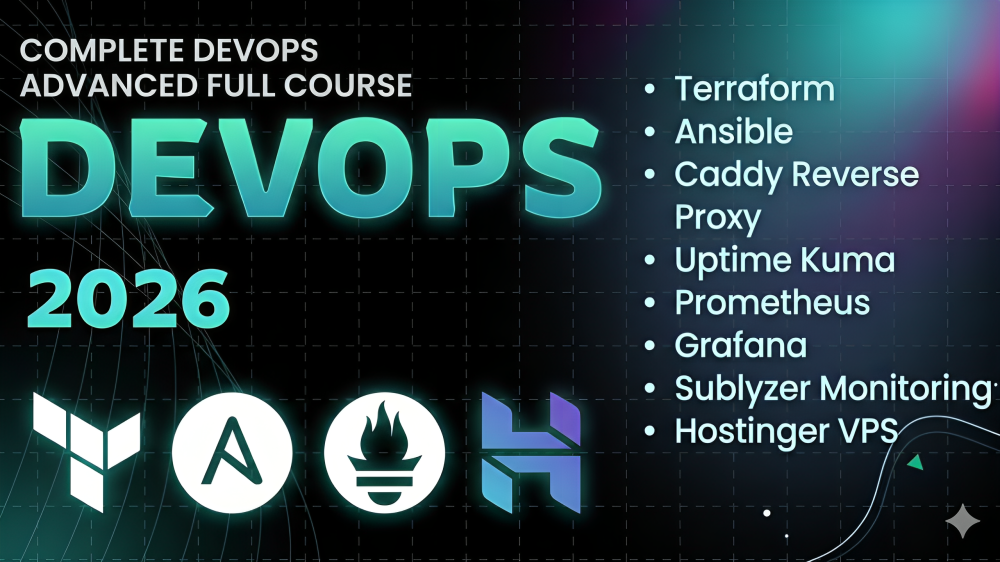
Tech stack
Tools we use
- DO
Docker
Core tool
- DO
Docker Compose
Core tool
- TE
Terraform
Core tool
- AN
Ansible
Core tool
- PR
Prometheus
Core tool
- GR
Grafana
Core tool
Build guide
How to build this project
How to build DevOps Advanced Full Course 2026 | Terraform, Ansible, Caddy, Monitoring, K6, Sublyzer, Hostinger
This guide is written for AceDevHub visitors — you do not need a YouTube description to get started. Difficulty: Advanced.
What this project is
DevOps Advanced Full Course 2026 | Terraform, Ansible, Caddy, Monitoring, K6, Sublyzer, Hostinger is a complete curriculum archive on AceDevHub — chapter folders, starter code, and exercises organized in teaching order. This advanced-level track covers Docker, Docker Compose, Terraform, Ansible so you can follow module-by-module from setup to capstone without relying on a video description.
What you get
- Full project source code archive (ZIP)
- Environment and run instructions in the repo README
- Module-oriented folders matching the original curriculum
Skills you will practice
- Provision and manage infrastructure using Infrastructure as Code
- Automate server configuration and deployments safely
- Deploy full-stack applications using Docker Compose
- Set up reverse proxying and automatic HTTPS for production apps
- Monitor uptime, system metrics, and application performance
- Load test real endpoints and analyze performance bottlenecks
- Observe real requests, errors, and latency in production
- Debug failures and understand real DevOps trade-offs
- Developers moving into DevOps
- DevOps engineers who want stronger production skills
Implementation approach
Work through the repository in this order:
- Step 1 — Provision and manage infrastructure using Infrastructure as Code
- Step 2 — Automate server configuration and deployments safely
- Step 3 — Deploy full-stack applications using Docker Compose
- Step 4 — Set up reverse proxying and automatic HTTPS for production apps
- Step 5 — Monitor uptime, system metrics, and application performance
- Step 6 — Load test real endpoints and analyze performance bottlenecks
- Step 7 — Observe real requests, errors, and latency in production
- Step 8 — Debug failures and understand real DevOps trade-offs
Tech stack
- Docker
- Docker Compose
- Terraform
- Ansible
- Prometheus
- Grafana
Getting started
- Sign in to AceDevHub and download the source archive from this page.
- Extract the ZIP and open the README for environment variables and prerequisites.
- Copy
.env.exampleto.env, then start services with Docker Compose where provided. - Run the dev script, verify the app boots, then follow the implementation sections below.
Stretch ideas
- Add automated tests for critical paths
- Instrument logging and health checks for production
- Publish a trimmed portfolio variant with seed data
Sign in on AceDevHub to download the archive, then treat this page as your permanent project reference.