

DevOps Full Course Source Code
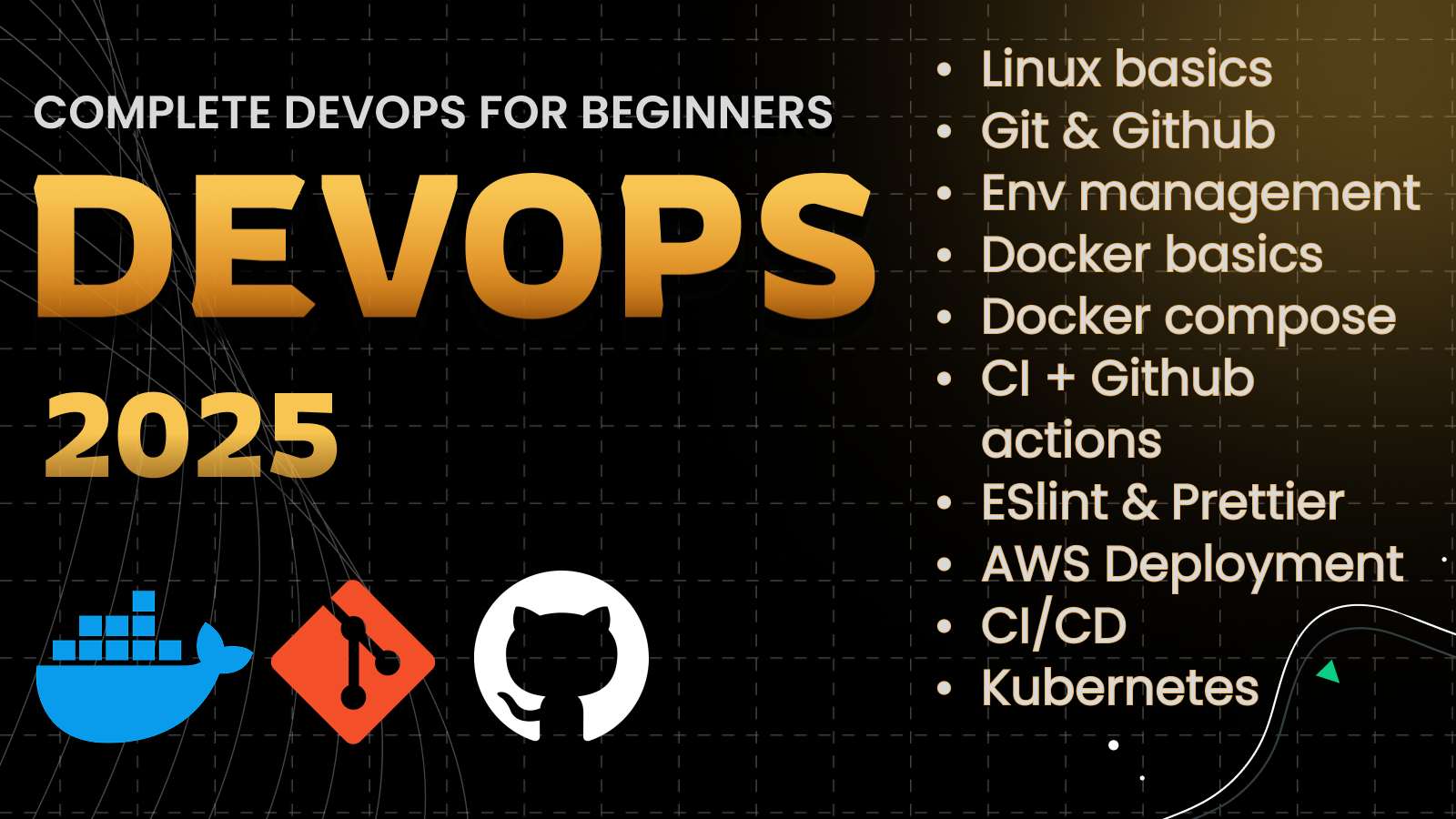
DevOps Full Course Source Code is an end-to-end build you ship on AceDevHub — not a snippet repo. Download the source, walk through the implementation guide below, and treat each module as a milestone toward a deployable Linux, Git, GitHub, Docker project. You will work through 10 focused areas including introduction to devops: process, lifecycle, and why companies use it and linux for devops: essential commands every engineer needs. You’ll learn not only what DevOps is but also how to use tools like Git, Docker, and GitHub Actions to build and automate modern applications.
- Shell Scripting
- Minikube
- Full Course
- Source Code Download
- MERN Stack
- DevOps
- Deployment
- Beginner Friendly
Tech stack
Tools we use
- LI
Linux
Core tool
- GI
Git
Core tool
- GI
GitHub
Core tool
- DO
Docker
Core tool
- DO
Docker Compose
Core tool
- GI
GitHub Actions
Core tool
- KU
Kubernetes
Core tool
- AW
AWS EC2
Core tool
- No
Node.js
Runtime
- Re
React
UI composition
- MO
MongoDB
Core tool
Build guide
How to build this project
How to build DevOps Full Course Source Code
This guide is written for AceDevHub visitors — you do not need a YouTube description to get started. Difficulty: Beginner.
What this project is
DevOps Full Course Source Code is an end-to-end build you ship on AceDevHub — not a snippet repo. Download the source, walk through the implementation guide below, and treat each module as a milestone toward a deployable Linux, Git, GitHub, Docker project.
What you get
- Full project source code archive (ZIP)
- Environment and run instructions in the repo README
- Module-oriented folders matching the original curriculum
Skills you will practice
- Introduction to DevOps: Process, lifecycle, and why companies use it
- Linux for DevOps: Essential commands every engineer needs
- Shell Scripting: Automating repetitive tasks
- Git & GitHub: Version control setup, branching, pushing to remote
- Environment Management: Dev vs Staging vs Production explained
- Docker Basics: Images, containers, and Dockerfiles (Node.js + React examples)
- Docker Compose: Running frontend, backend, and database together
- Continuous Integration (CI): GitHub Actions to lint and build code
- AWS Deployment (Intro): Cloud basics and EC2 setup
- Kubernetes Basics: Pods, Deployments, Services, Minikube cluster
Implementation approach
Work through the repository in this order:
- Step 1 — Introduction to DevOps: Process, lifecycle, and why companies use it
- Step 2 — Linux for DevOps: Essential commands every engineer needs
- Step 3 — Shell Scripting: Automating repetitive tasks
- Step 4 — Git & GitHub: Version control setup, branching, pushing to remote
- Step 5 — Environment Management: Dev vs Staging vs Production explained
- Step 6 — Docker Basics: Images, containers, and Dockerfiles (Node.js + React examples)
- Step 7 — Docker Compose: Running frontend, backend, and database together
- Step 8 — Continuous Integration (CI): GitHub Actions to lint and build code
Tech stack
- Linux
- Git
- GitHub
- Docker
- Docker Compose
- GitHub Actions
- Kubernetes
- AWS EC2
- Node.js
- React
- MongoDB
Getting started
- Sign in to AceDevHub and download the source archive from this page.
- Extract the ZIP and open the README for environment variables and prerequisites.
- Install Node.js LTS, run
npm install(orpnpm install) in the project root. - Copy
.env.exampleto.env, then start services with Docker Compose where provided. - Run MongoDB locally or via Docker and update the connection string in your env file.
- Run the dev script, verify the app boots, then follow the implementation sections below.
Stretch ideas
- Add automated tests for critical paths
- Instrument logging and health checks for production
- Publish a trimmed portfolio variant with seed data
Sign in on AceDevHub to download the archive, then treat this page as your permanent project reference.