

How Senior Engineers Build With AI in 2026 | Next.js 16, PostgreSQL, Cursor
How Senior Engineers Build With AI in 2026 | Next.js 16, PostgreSQL, Cursor is an end-to-end build you ship on AceDevHub — not a snippet repo. Download the source, walk through the implementation guide below, and treat each module as a milestone toward a deployable Next.js, PostgreSQL, Node.js, Docker project. SpecForge is a full-stack AI application that helps developers and teams turn rough feature ideas into structured technical specifications.
- Cursor
- Auth Patterns
- AI Development
- Course Notes
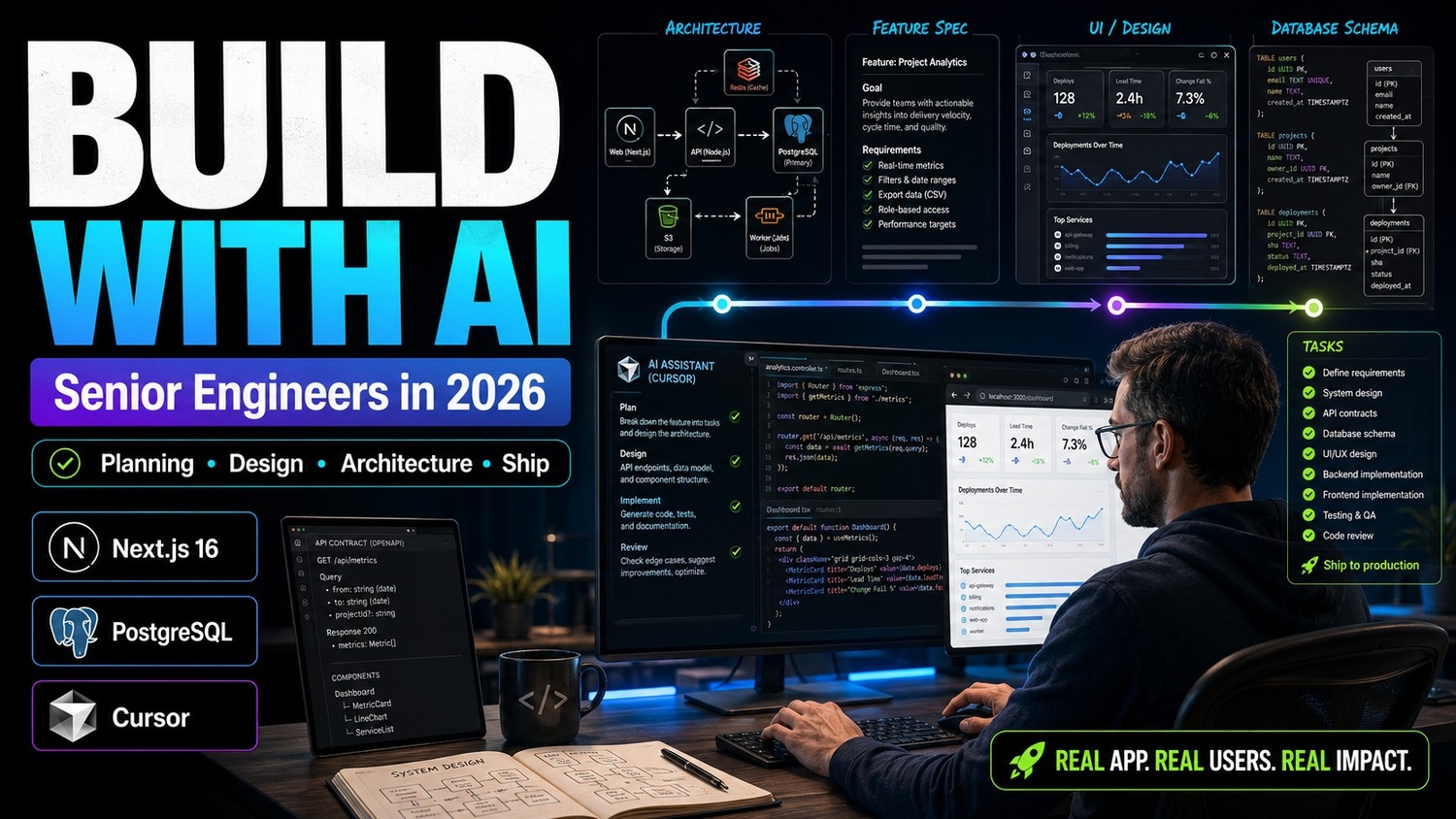
Tech stack
Tools we use
- Nx
Next.js
App framework
- Pg
PostgreSQL
Data layer
- No
Node.js
Runtime
- DO
Docker
Core tool
Build guide
How to build this project
How to build How Senior Engineers Build With AI in 2026 | Next.js 16, PostgreSQL, Cursor
This guide is written for AceDevHub visitors — you do not need a YouTube description to get started. Difficulty: Beginner.
What this project is
How Senior Engineers Build With AI in 2026 | Next.js 16, PostgreSQL, Cursor is an end-to-end build you ship on AceDevHub — not a snippet repo. Download the source, walk through the implementation guide below, and treat each module as a milestone toward a deployable Next.js, PostgreSQL, Node.js, Docker project.
What you get
- Full project source code archive (ZIP)
- Environment and run instructions in the repo README
- Module-oriented folders matching the original curriculum
Skills you will practice
- Apply Next.js in a realistic beginner codebase
- Apply PostgreSQL in a realistic beginner codebase
- Apply Node.js in a realistic beginner codebase
- Apply Docker in a realistic beginner codebase
Implementation approach
Work through the repository in this order:
- Define data models — Model users, messages, designs, or AI context before UI.
- Implement API layer — Ship typed routes/services with validation and error shape.
- Connect the client — Wire forms, realtime channels, or AI calls to the backend.
- Harden and ship — Add auth guards, logging, and deployment scripts.
Tech stack
- Next.js
- PostgreSQL
- Node.js
- Docker
Getting started
- Sign in to AceDevHub and download the source archive from this page.
- Extract the ZIP and open the README for environment variables and prerequisites.
- Install Node.js LTS, run
npm install(orpnpm install) in the project root. - Copy
.env.exampleto.env, then start services with Docker Compose where provided. - Create a local PostgreSQL database and apply migrations or seed scripts from the repo.
- Run the dev script, verify the app boots, then follow the implementation sections below.
Stretch ideas
- Add automated tests for critical paths
- Instrument logging and health checks for production
- Publish a trimmed portfolio variant with seed data
Sign in on AceDevHub to download the archive, then treat this page as your permanent project reference.