

MERN Stack Canva Clone
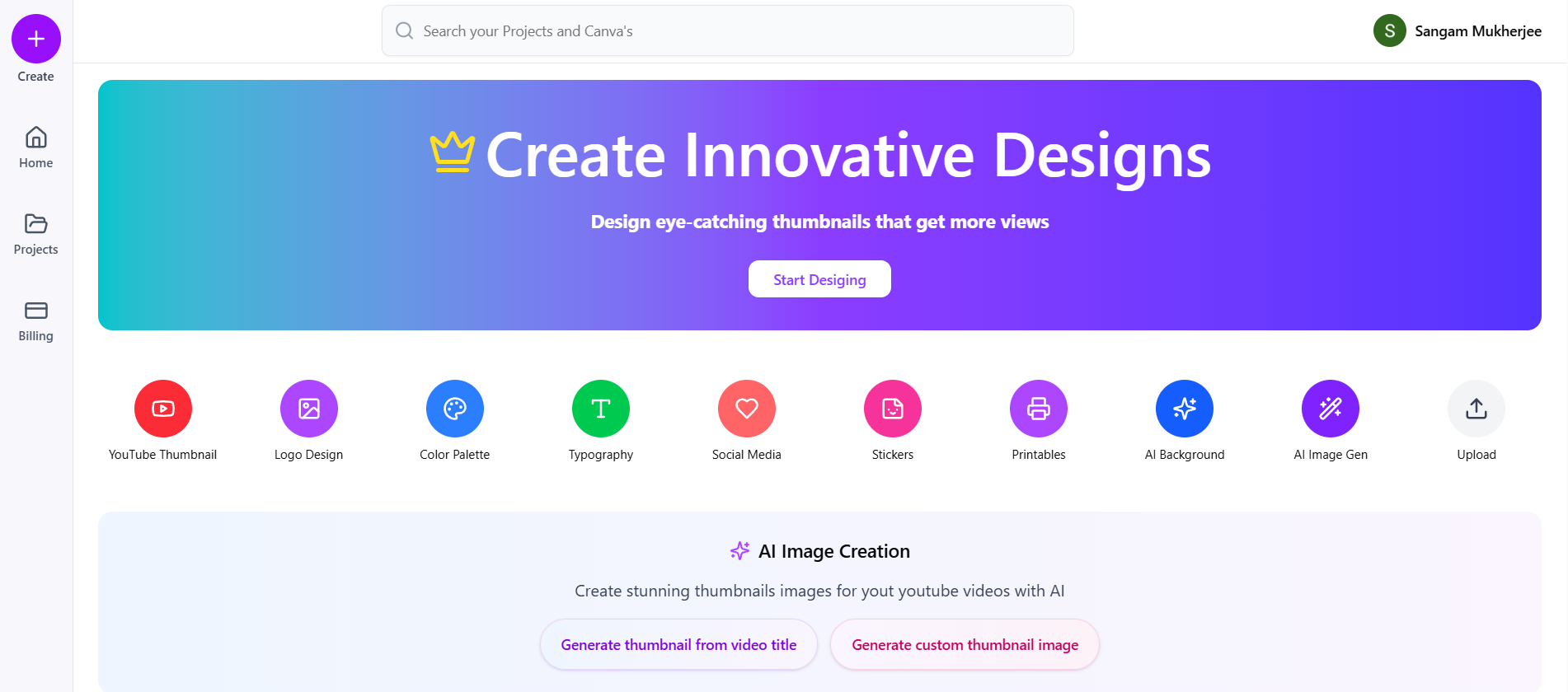
MERN Stack Canva Clone is a portfolio-grade clone you can fork, demo, and extend. The AceDevHub download includes production-oriented folders for Next.js, React, Node.js, MongoDB — auth, data models, uploads, and UI flows wired the way hiring managers expect to see in a real repo. Build a Full Canva Clone with Next.js, Node.js Microservices & Fabric.js!
- Canva Clone
- Mern Stack Canva Clone
Tech stack
Tools we use
- Nx
Next.js
App framework
- Re
React
UI composition
- No
Node.js
Runtime
- MO
MongoDB
Core tool
- Tw
Tailwind CSS
Utility styling
- FA
Fabric.js
Core tool
- AU
Auth.js
Core tool
- ZU
Zustand
Core tool
- SH
shadcn/ui
Core tool
- EX
Express.js
Core tool
- MO
Mongoose
Core tool
- CL
Cloudinary
Core tool
Build guide
How to build this project
How to build MERN Stack Canva Clone
This guide is written for AceDevHub visitors — you do not need a YouTube description to get started. Difficulty: Advanced.
What this project is
MERN Stack Canva Clone is a portfolio-grade clone you can fork, demo, and extend. The AceDevHub download includes production-oriented folders for Next.js, React, Node.js, MongoDB — auth, data models, uploads, and UI flows wired the way hiring managers expect to see in a real repo.
What you get
- Full project source code archive (ZIP)
- Environment and run instructions in the repo README
- Module-oriented folders matching the original curriculum
Skills you will practice
- Apply Next.js in a realistic advanced codebase
- Apply React in a realistic advanced codebase
- Apply Node.js in a realistic advanced codebase
- Apply MongoDB in a realistic advanced codebase
- Apply Tailwind CSS in a realistic advanced codebase
- Apply Fabric.js in a realistic advanced codebase
- Apply Auth.js in a realistic advanced codebase
- Apply Zustand in a realistic advanced codebase
- Apply shadcn/ui in a realistic advanced codebase
- Apply Express.js in a realistic advanced codebase
- Apply Mongoose in a realistic advanced codebase
- Apply Cloudinary in a realistic advanced codebase
Implementation approach
Work through the repository in this order:
- Scaffold apps — Boot frontend and backend services with shared types where applicable.
- Wire authentication — Connect OAuth or session flows before feature work.
- Build core editor/features — Implement the main user-facing workflow end to end.
- Persist and deploy — Save user data, add uploads/billing if included, and document run instructions.
Tech stack
- Next.js
- React
- Node.js
- MongoDB
- Tailwind CSS
- Fabric.js
- Auth.js
- Zustand
- shadcn/ui
- Express.js
- Mongoose
- Cloudinary
Architecture patterns
- REST API
- Microservices
- API Gateway
- MERN Stack
Getting started
- Sign in to AceDevHub and download the source archive from this page.
- Extract the ZIP and open the README for environment variables and prerequisites.
- Install Node.js LTS, run
npm install(orpnpm install) in the project root. - Run MongoDB locally or via Docker and update the connection string in your env file.
- Run the dev script, verify the app boots, then follow the implementation sections below.
Stretch ideas
- Add collaborative editing or version history
- Swap payment provider or add subscription tiers
- Deploy frontend and API to separate hosts with CI
Sign in on AceDevHub to download the archive, then treat this page as your permanent project reference.