

Node JS Full Course 2026 | Complete Backend Development Course
Node JS Full Course 2026 | Complete Backend Development Course focuses on production auth and hardening for Node.js. The AceDevHub archive pairs runnable code with the security patterns teams actually review in interviews — cookies, JWT rotation, CSRF, rate limits, and env-safe configuration. , we’re building a complete backend development foundation using Node.js, TypeScript, Express, PostgreSQL, Redis, Docker, JWT authentication, Google OAuth, Cloudinary, BullMQ, and production-ready backend practices.
- Full Course
- Auth Patterns
- Beginner Friendly
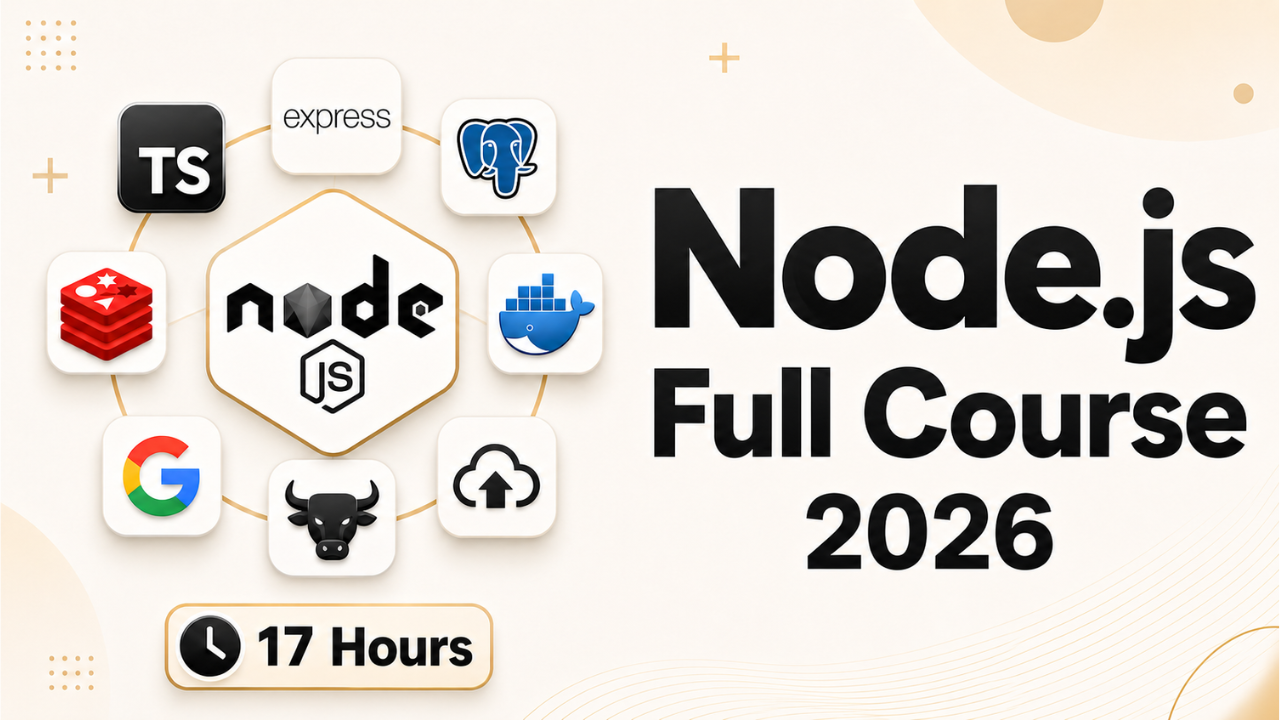
Tech stack
Tools we use
- No
Node.js
Runtime
Build guide
How to build this project
How to build Node JS Full Course 2026 | Complete Backend Development Course
This guide is written for AceDevHub visitors — you do not need a YouTube description to get started. Difficulty: Beginner.
What this project is
Node JS Full Course 2026 | Complete Backend Development Course focuses on production auth and hardening for Node.js. The AceDevHub archive pairs runnable code with the security patterns teams actually review in interviews — cookies, JWT rotation, CSRF, rate limits, and env-safe configuration.
What you get
- Full project source code archive (ZIP)
- Environment and run instructions in the repo README
- Module-oriented folders matching the original curriculum
Skills you will practice
- Apply Node.js in a realistic beginner codebase
Implementation approach
Work through the repository in this order:
- Baseline server — Configure Helmet, CORS, cookies, and structured logging.
- Auth flows — Implement login, refresh rotation, and protected routes.
- Threat modeling — Add CSRF, rate limits, and input validation at boundaries.
- Audit checklist — Verify secrets, HTTPS-only cookies, and production env separation.
Tech stack
- Node.js
Getting started
- Sign in to AceDevHub and download the source archive from this page.
- Extract the ZIP and open the README for environment variables and prerequisites.
- Install Node.js LTS, run
npm install(orpnpm install) in the project root. - Run the dev script, verify the app boots, then follow the implementation sections below.
Stretch ideas
- Add automated tests for critical paths
- Instrument logging and health checks for production
- Publish a trimmed portfolio variant with seed data
Sign in on AceDevHub to download the archive, then treat this page as your permanent project reference.