

PostgreSQL Full course 2026
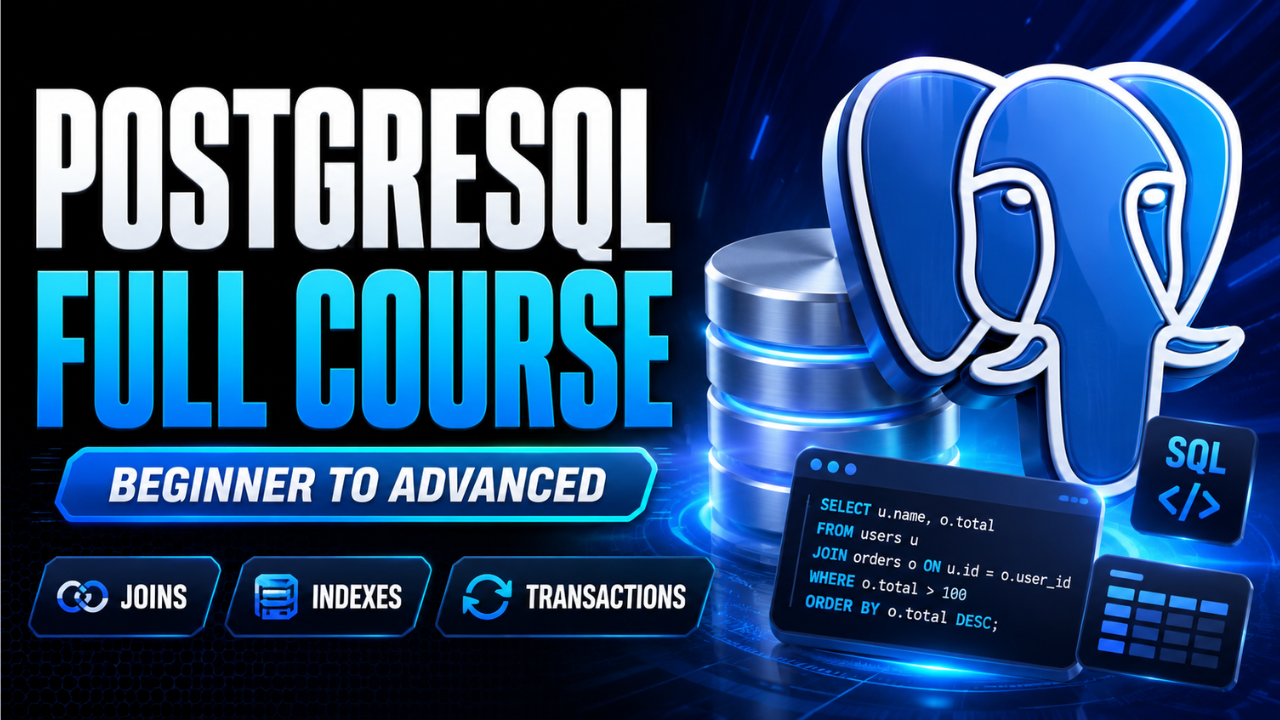
PostgreSQL Full course 2026 is a complete curriculum archive on AceDevHub — chapter folders, starter code, and exercises organized in teaching order. This beginner-level track covers PostgreSQL so you can follow module-by-module from setup to capstone without relying on a video description. You will work through 14 focused areas including postgresql installation and setup and relational vs non-relational databases. Learn PostgreSQL from scratch in this complete beginner-friendly full course.
- Full Course
- Beginner Friendly
Tech stack
Tools we use
- Pg
PostgreSQL
Data layer
Build guide
How to build this project
How to build PostgreSQL Full course 2026
This guide is written for AceDevHub visitors — you do not need a YouTube description to get started. Difficulty: Beginner.
What this project is
PostgreSQL Full course 2026 is a complete curriculum archive on AceDevHub — chapter folders, starter code, and exercises organized in teaching order. This beginner-level track covers PostgreSQL so you can follow module-by-module from setup to capstone without relying on a video description.
What you get
- Full project source code archive (ZIP)
- Environment and run instructions in the repo README
- Module-oriented folders matching the original curriculum
Skills you will practice
- PostgreSQL installation and setup
- Relational vs non-relational databases
- Creating databases and schemas
- Creating tables
- SQL data types
- NULL, empty string, and zero values
- Constraints and primary keys
- INSERT, SELECT, UPDATE, and DELETE
- WHERE filters
- AND, OR, NOT, LIKE, IN, BETWEEN
Implementation approach
Work through the repository in this order:
- Step 1 — PostgreSQL installation and setup
- Step 2 — Relational vs non-relational databases
- Step 3 — Creating databases and schemas
- Step 4 — Creating tables
- Step 5 — SQL data types
- Step 6 — NULL, empty string, and zero values
- Step 7 — Constraints and primary keys
- Step 8 — INSERT, SELECT, UPDATE, and DELETE
Tech stack
- PostgreSQL
Getting started
- Sign in to AceDevHub and download the source archive from this page.
- Extract the ZIP and open the README for environment variables and prerequisites.
- Create a local PostgreSQL database and apply migrations or seed scripts from the repo.
- Run the dev script, verify the app boots, then follow the implementation sections below.
Stretch ideas
- Add automated tests for critical paths
- Instrument logging and health checks for production
- Publish a trimmed portfolio variant with seed data
Sign in on AceDevHub to download the archive, then treat this page as your permanent project reference.